
Real-time noise removal
It filters out the keyboard and mouse clicks and fan noise coming into your mic — only the voice goes out.
내 목소리는 넘고, 옆 사람 소리는 못 넘게 게이트 감도를 설정해주세요.
사용법설정
Has noise been bothering you?
Even when you only want to send your speech, the mic picks up the sounds around you too.
✕Every time you hit a mechanical keyboard, the clatter goes straight into team voice chat.
✕Even the voice of the person next to you is sent out to your teammates.
✕Push-to-talk gets you by, but pressing a key every time you speak is a hassle.
What else gets into the mic✕Electric fan and air-conditioner noise goes straight into the stream.
✕Traffic outside and household sounds cut into the meeting.
✕Fan noise stays in your lecture recordings.
What else gets into the micSo your voice comes through intact
Three ways it removes noise
AI noise removal tells your voice apart from noise and reduces keyboard, mouse and fan sounds. Right after the program starts, it takes a moment to learn the noise. A switch turns it on and off.
The noise gate does not send out sounds below the threshold, so quiet sounds that come in while you are not talking are blocked. A switch turns it on and off.
The voice of someone next to you is still a human voice, so AI noise removal does not filter it out. Set the white line so your voice clears it and theirs does not, and the gate blocks it by loudness.
내 목소리는 넘고, 옆 사람 소리는 못 넘게 게이트 감도를 설정해주세요.
사용법설정
How to use
Three steps from install to use, in about a minute. You can also watch them in a video.
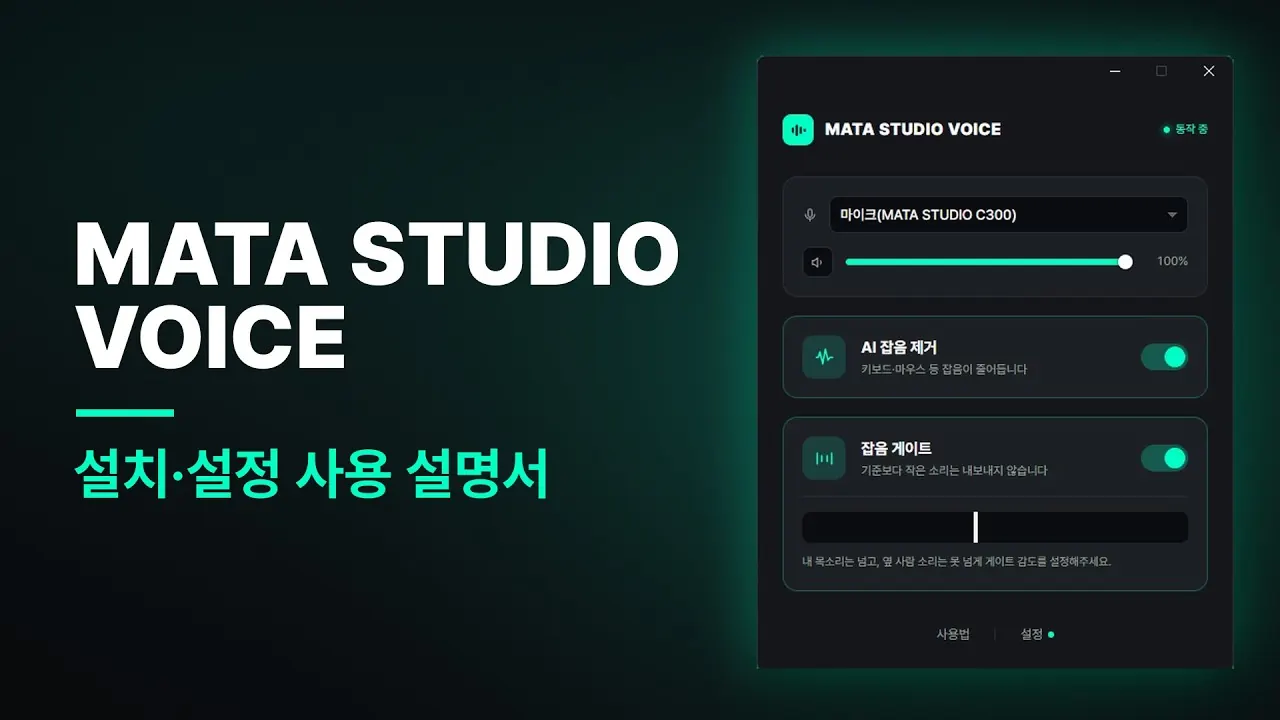 MATA STUDIO VOICE installation and setup guide
Watch on YouTube (new tab)
The video is in Korean. Playing it connects you to YouTube (Google), and YouTube's privacy policy applies.
Install and run
Get the installer and run it. It opens right away — no sign-up.
Select the mic to send out
In the MATA STUDIO VOICE microphone list, pick the microphone you are using now.
Make the virtual mic the default input
In Windows sound settings, switch the default input device to MATA STUDIO VOICE.
If it doesn't work
Open the settings of the program you use and check that its microphone is set to MATA STUDIO VOICE.
Before and after.
Same mic, same room — we show you what changes.
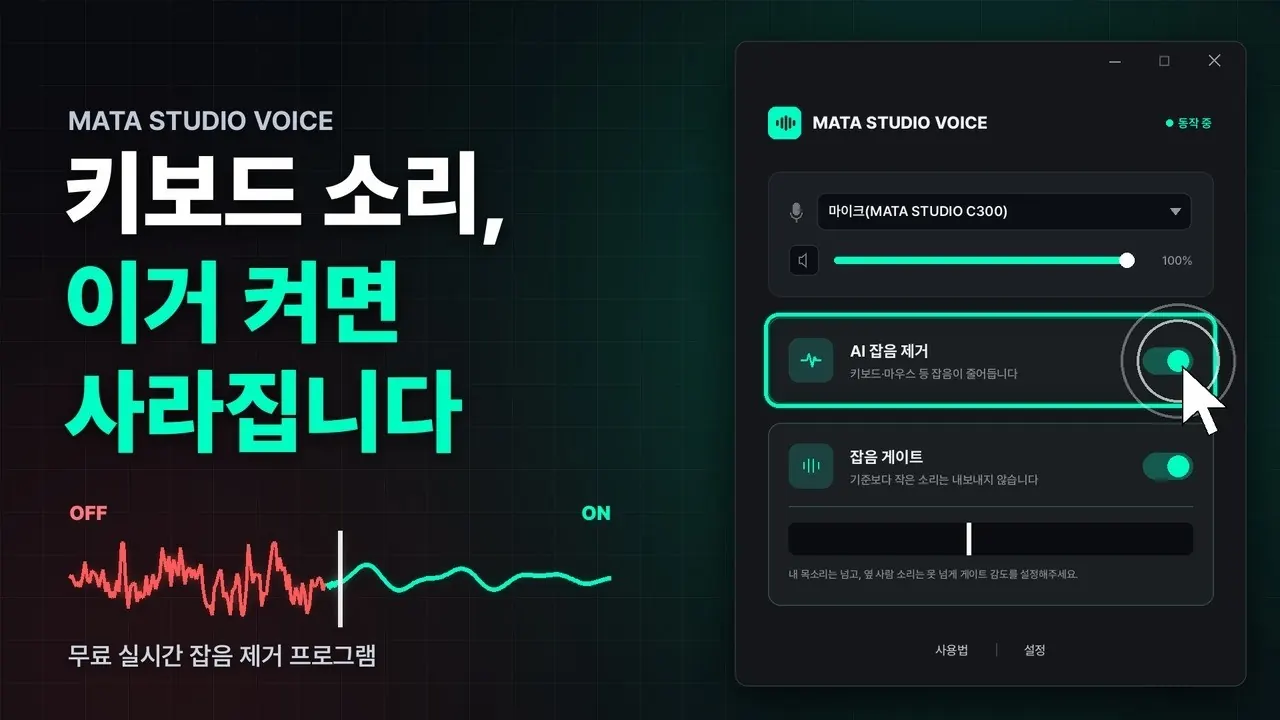 MATA STUDIO VOICE: keyboard noise disappears when you turn it on
Watch on YouTube (new tab)
The video is in Korean. Playing it connects you to YouTube (Google), and YouTube's privacy policy applies.
Frequently asked questions
Yes. It is free and runs without creating an account.
It runs on Windows 10/11 (64-bit). There is no Mac version.
No particular microphone is required. Keep the mic you already use, and pick MATA STUDIO VOICE in the microphone settings of the program you use.
It is a human voice, so AI noise removal does not filter it out. Adjust the noise gate sensitivity (the white line) to decide how much is blocked.
This appears because the program is newly released and has few downloads so far. Click 'More info', check that the publisher is 'MATASTUDIO (JONGHO MOON)', and click 'Run anyway' to install normally.
If the AI noise removal and noise gate toggles are ON,
and the overlay appears in the app you are using, it is running normally.
This is AI noise removal learning the noise and removing it. Right after the program starts, the AI is still telling noise from your voice; once it has learned enough, it reduces keyboard, mouse and other noise.
It is in internal testing now. Once it is released, you can download it from this page.